


Before You Start — Confirm Your Profile Isn't Suspended
Log into your Google Business Profile dashboard and check your listing status. If your profile shows "Suspended," stop here — an optimized suspended profile won't rank. See our step-by-step guide on how to recover a suspended Google Business Profile as a contractor before continuing.
If your profile is active, proceed.
Section 1 — Business Information (Non-Negotiable)
These fields form the foundation of your local ranking signal. Get them wrong and nothing else compensates.
☐ Business name matches your legal name exactly
No added keywords, city names, or slogans. "Riverside Plumbing" is correct. "Riverside Plumbing — Emergency Plumber | Chicago" is a suspension trigger. According to Sterling Sky's analysis, keyword-stuffed business names are the leading cause of GBP suspensions for contractors. Match it to your business license character-for-character.
☐ Primary category is trade-specific
Your primary category is the single most important ranking decision in your profile. It determines which searches you're eligible to appear in. Use the most specific option available:
- HVAC: HVAC Contractor (not "Heating Contractor" unless that's your only service)
- Roofing: Roofing Contractor (not "Construction Company")
- Plumbing: Plumber (not "Home Services")
Per Blue Grid Media's contractor GBP guide, specificity in your primary category is the fastest move most contractors haven't made.
☐ Secondary categories added
Google allows up to 9 additional categories. Use them. HVAC contractors: add "Air Conditioning Contractor," "Heating Contractor," and "Furnace Repair Service." Plumbers: add "Drain Cleaning Service," "Water Heater Installer." Roofers: add "Gutter Cleaning Service," "Siding Contractor" if applicable. Each additional category expands the query set your profile can appear for.
☐ NAP matches across all major directories
Your business name, address, and phone number in your GBP must match exactly across Google, Yelp, BBB, Angi, Facebook, Houzz, and at least 45 additional directories. A suite number present in some listings but not others, an old phone number on Yelp, a slightly different business name on the BBB — each one is a conflicting signal that suppresses your rankings. Per Search Scale AI's 2026 local SEO guide, NAP consistency across 50+ directories is a baseline requirement for Google to trust your location data.
Section 2 — Service Area Configuration
This section is specific to contractors — most generic GBP guides skip it.
☐ Address is hidden if you're a service-area business
If customers don't come to your office — you go to them — hide your physical address and configure your profile as a Service Area Business. A displayed residential or virtual office address creates confusion and is a suspension risk.
☐ Service area set to your realistic coverage zone
List the cities and counties where you actually dispatch within the same business day. Don't over-claim (Google's systems detect implausible service areas) and don't under-claim — every city you leave off is a market where you won't appear.
Trade-specific note for HVAC: If you offer 24-hour emergency service across a wider radius than your standard dispatch zone, set your service area to your standard zone. Emergency coverage is a marketing claim, not a GBP configuration.
Section 3 — Services and Products
☐ All services listed using customer language
Every service you offer should be added individually. Use the words homeowners search for — not internal names or branded service packages. "AC repair" beats "comfort solutions." "Drain cleaning" beats "plumbing maintenance service." "Roof inspection" beats "assessment package."
☐ Service descriptions include relevant search terms
Each service entry allows a description. Use it. For each service, write one to two sentences that describe the service in plain language, include the primary search term homeowners use for that service, and mention your service area if relevant.
Trade-specific examples:
- HVAC: "We install, repair, and maintain all major HVAC brands for homeowners across [city] and surrounding areas. Emergency service available."
- Roofing: "Residential roof replacement, repair, and emergency tarping after storm damage. We work with all major insurance carriers."
- Plumbing: "Full-service plumbing for [city] homeowners — drain cleaning, water heater replacement, leak detection, and 24/7 emergency service."
Section 4 — Photos
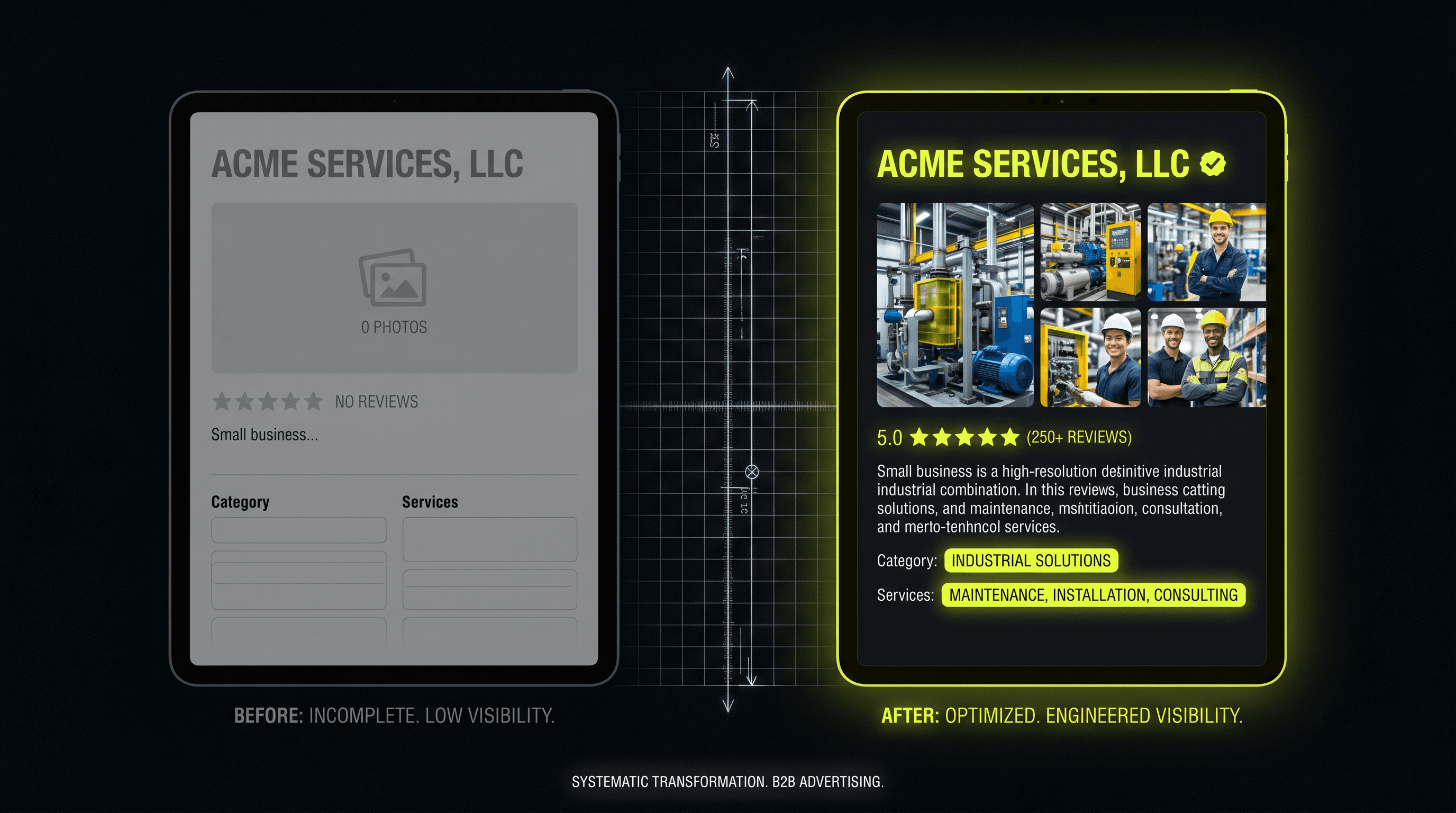
☐ Minimum 10 photos live on your profile
According to Google's data cited in GoMarketing's home services GBP guide, businesses with photos receive 42% more direction requests than those without. Profiles with 10+ photos outperform those with fewer in both click-through rate and direction requests.
☐ Photo categories covered
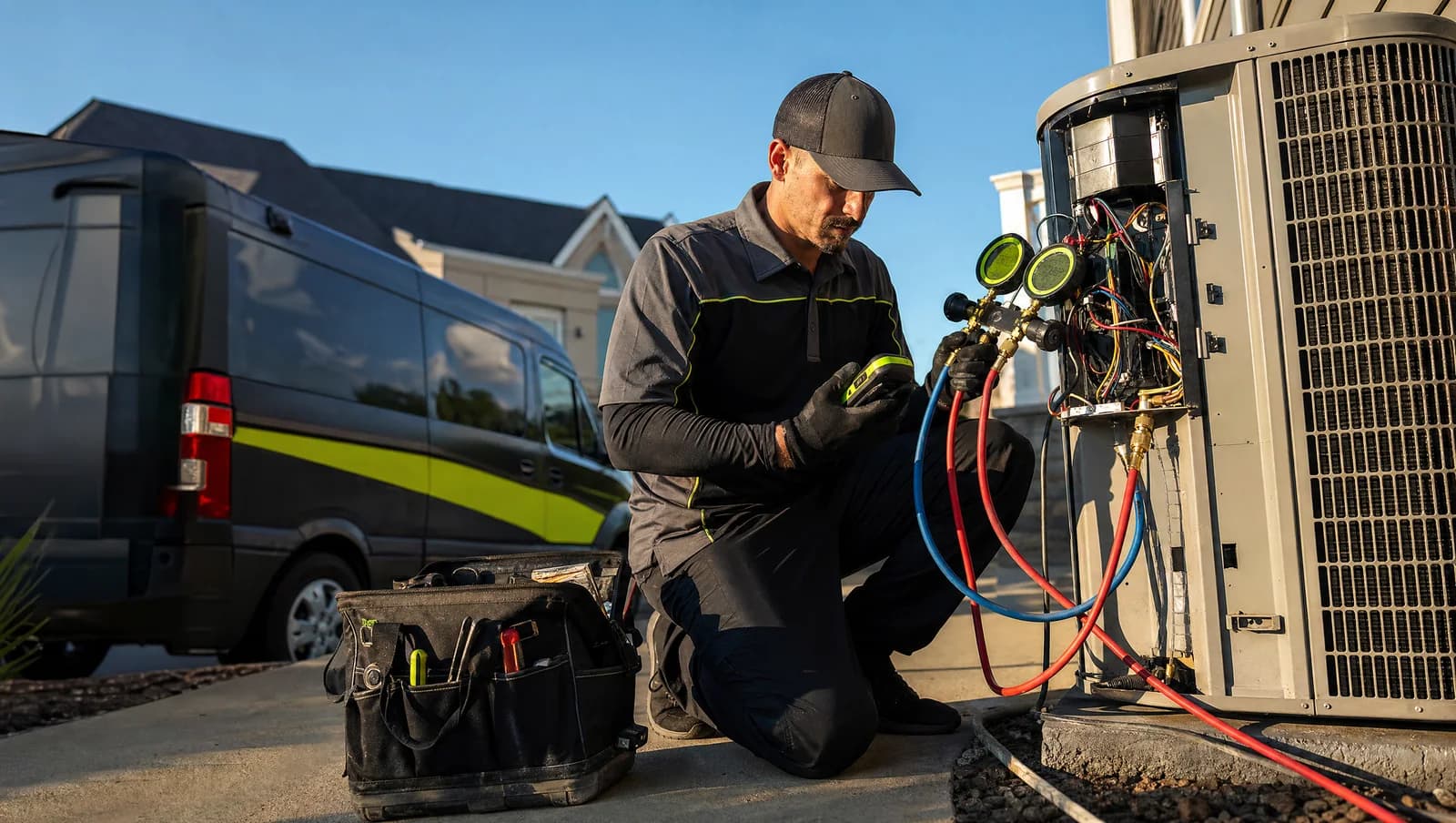
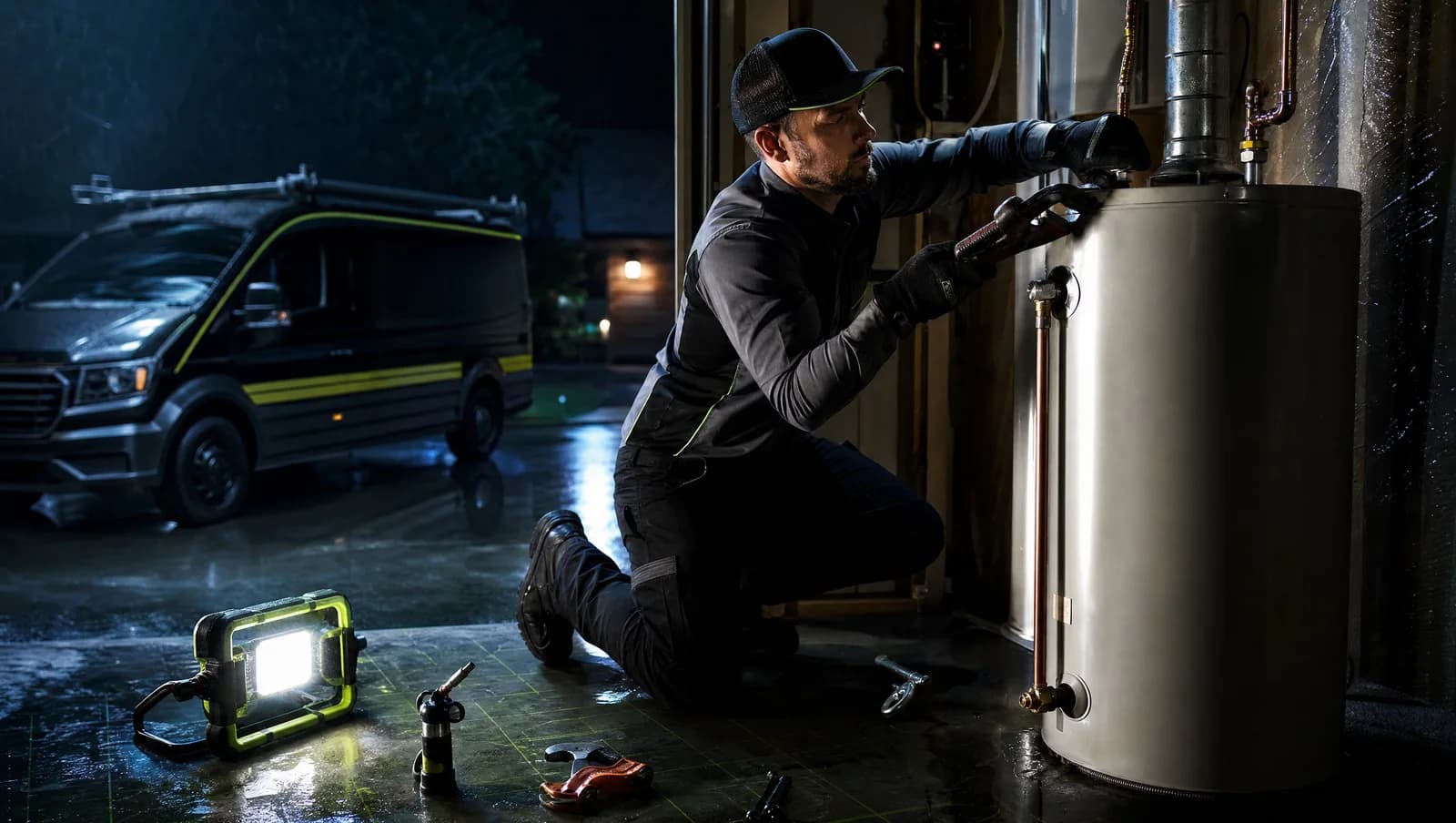
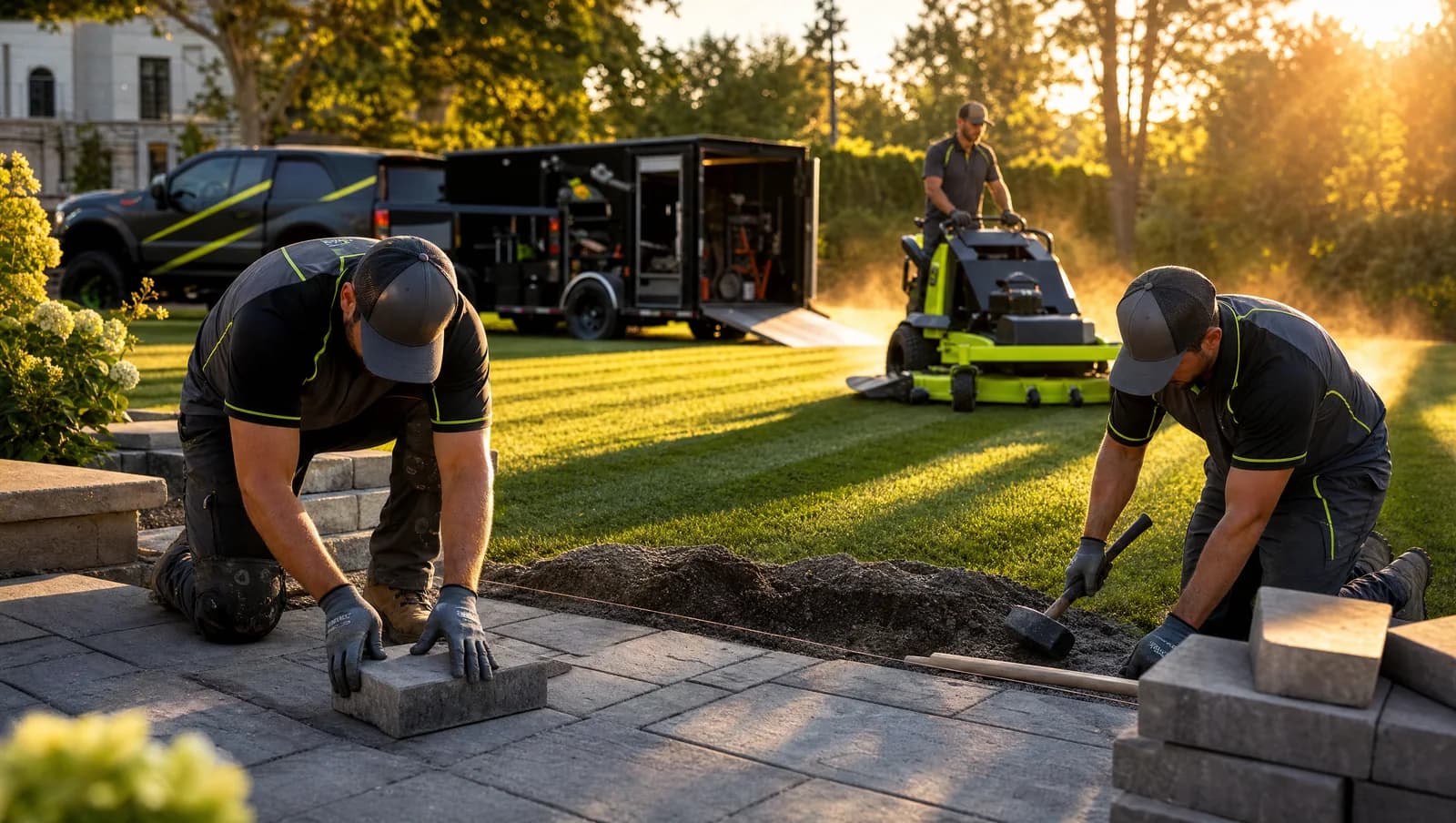
Aim for variety across: your team (names optional, but faces build trust), your trucks or service vehicles with your logo visible, completed job photos, before-and-after comparisons, and your office or warehouse if you have one. Homeowners researching contractors want to see a real business — not stock photos.
☐ 2–4 new photos added monthly
Photo freshness is a behavioral signal. A profile with new photos arriving consistently signals an active business. Put one team member or dispatcher in charge of sending job-site photos weekly — seasonal content performs well (AC tune-up photos in spring, heating photos in fall).
Section 5 — Posts and Q&A
☐ At least one post per month
Google Business Profile posts appear directly on your listing in search results. Consistent posting is not a confirmed direct ranking factor, but it signals active management and increases engagement — which does influence rankings indirectly. Monthly is the minimum; weekly is better. Use seasonal triggers: HVAC contractors run spring and fall tune-up posts, roofers run post-storm posts, plumbers run freeze-warning posts.
☐ Q&A section seeded with 5–7 questions and accurate answers
The Q&A section appears on your GBP listing and is editable by anyone — including competitors and bots. Seed it yourself with the questions homeowners actually ask: "Do you offer emergency service?" "What areas do you serve?" "Are you licensed and insured?" "Do you offer financing?" Answer each one accurately. This controls the narrative and adds keyword-relevant content to your profile.
Section 6 — Reviews
☐ Review request process in place after every job
Review velocity — how consistently new reviews arrive — matters as much as total review count for maintaining Map Pack positions. Build a post-job review request into your workflow. A single text sent 24–48 hours after job completion with a direct link to your GBP review form is sufficient. Don't make it complicated.
☐ Every review has a response from your business
Responding to reviews — positive and negative — signals active management to Google and builds trust with prospective customers who read reviews before calling. Keep responses brief and professional. Never keyword-stuff your review responses; it's detectable and a suspension risk.
Section 7 — Monthly Maintenance
A GBP isn't a one-time setup. Rankings drift when profiles go stale. Build these into a monthly routine:
☐ Verify NAP hasn't changed across major directories — an address update or new phone number needs to propagate everywhere within the same week it changes
☐ Add 2–4 new photos — team, trucks, recent jobs
☐ Publish one seasonal or promotional post — tie it to what's happening in your trade that month
☐ Check Q&A for new questions or incorrect answers — respond within 24 hours
☐ Flag any fake or spam reviews using Google's flagging tool — don't respond to fake reviews arguing the facts
Frequently Asked Questions
What is the most important thing to optimize on a Google Business Profile for contractors?
Your primary GBP category. It determines which searches you're eligible to appear in — more than any other profile element. If you're on a generic category like "Contractor" or "Home Services," switching to "HVAC Contractor" or "Plumber" is the highest-impact change you can make, and it takes about 30 seconds.
How often should a contractor update their Google Business Profile?
At minimum, once per month — adding photos, publishing a post, and checking your Q&A section. If your business information changes (address, phone, hours), update it immediately and propagate the change to all directories within the same week. Profile freshness and active management are signals Google tracks.
Do Google Business Profile posts help with rankings?
Not directly — Google hasn't confirmed posts as a ranking factor. But consistent posting increases profile engagement (clicks, calls, direction requests), and behavioral signals do influence local rankings. More practically, posts control what homeowners see when they find your listing, which affects call-through rate independent of where you rank.
What photos should an HVAC, roofing, or plumbing contractor add to their profile?
Photos that show a real business: your team (even one or two people), your branded service vehicles, completed job photos, and before-and-after work. Stock photos have no effect on behavioral signals. Authentic job-site photos from real customers' homes build the trust that turns a profile view into a call.
How do I set up a service area on Google Business Profile if I don't have a storefront?
In your GBP dashboard, go to Business location and turn off "I have a physical location customers can visit." Then set your service area by city, county, or zip code. Hide your address. This configures your profile as a Service Area Business — the correct setup for contractors who travel to the job rather than receiving customers at an office.
If your profile is complete but your Map Pack rankings still aren't moving, the issue is usually citation inconsistency or behavioral signal gaps — not the checklist items. Surge conducts contractor-specific local SEO audits that show exactly where rankings are leaking. Learn more about our local SEO services for home service contractors.